Key Takeaways: Hypothesis-driven threat hunting starts with a testable idea, not an alert. A good hypothesis names the technique, the data source, the expected evidence, and what would prove it wrong. Hunts use read-only queries first, with EDR, DNS, NetFlow, and cloud logs. Findings become lasting Sigma detections through testing and detection-as-code. The Cyber Legends training teaches this method for SOC analysts ready to reach Tier 3. Most SOC queues reward speed. You clear alerts, close tickets, and start again the next morning. Hypothesis-driven threat hunting works the other way round. You start with a clear idea about how an attacker might hide in your environment, then you test that idea against real telemetry before any alert fires. This follow-up to our leader article on threat hunting and detection engineering shows you how to do that work step by step. You will learn to write a testable hypothesis, run a focused hunt, and turn what you find into a lasting Sigma detection. What is a hunt hypothesis, and why does it beat alert chasing? A hunt hypothesis is a clear, testable statement that predicts attacker behaviour in your environment, the data that would prove it, and the result that would prove it wrong. It beats alert chasing because it looks for attackers who evade alerts instead of waiting for a tool to notice them. An alert tells you a rule fired. A hypothesis tells you where to look next. For example, an alert might say a file was blocked. A hypothesis asks whether an attacker used a living-off-the-land binary to run a script without writing that file at all. That question guides your search across endpoint, network, and cloud telemetry. You test one idea, with one decision at the end: confirmed, refuted, or inconclusive. Definition Box: What is hypothesis-driven threat hunting? Hypothesis-driven threat hunting is proactive investigation guided by a written, testable idea about attacker behaviour. The hunter states what the attacker would do, where the evidence would appear, and what would count as proof. The hunt then tests that idea against endpoint, network, and cloud telemetry, using MITRE ATT&CK to describe the technique. How do you write a testable hunt hypothesis step by step? You write a testable hunt hypothesis by naming the attacker behaviour, the technique, the data source, and the expected evidence in one short statement, then adding the condition that would prove it wrong. If you cannot state what would refute it, the hypothesis is not ready to test. Follow these steps in order. First, pick a technique from MITRE ATT&CK that fits your environment, such as PowerShell execution, DNS tunnelling, or unusual cloud console access. Second, ask how that technique would look in your telemetry, not in theory. Third, write the hypothesis in this form: if an attacker uses this technique here, then we should see this evidence in this data source within this time window. Fourth, check the exact data you need exists before you start. Fifth, set the decision rule in advance: what counts as a hit, and what counts as a miss. Keep the scope small. One technique, one system group, and one time window are enough for a first hunt. How do you run a hunt in practice without disrupting the business? You run a hunt in practice by scoping it tightly, using read-only queries first, recording every step, and escalating only when the evidence supports it. You do not change systems, block users, or run intrusive commands during the search phase. Start with a baseline, so you know what normal looks like for the systems in scope. Then run your queries against EDR telemetry, DNS and NetFlow data, and cloud audit logs. Compare results with the hypothesis, not with a feeling. If you find a match, check the wider context before you call it an incident. Who owns the host, what process started the activity, and does the timeline fit a known task? If unclear, preserve the evidence and escalate with the timeline attached. If you find nothing, record the negative result. A refuted hypothesis may point to a logging gap worth fixing.
Comparison: Reactive alert triage versus proactive hunting Reactive alert triage starts when a tool fires, focuses on one alert at a time, and ends when the ticket closes. Proactive hunting starts with a hypothesis, searches across telemetry before an alert fires, and ends with a finding, a detection, or a logging fix. Triage asks what fired. Hunting asks what an attacker could do without firing anything, and how you would know. How do you turn hunt findings into lasting Sigma detections? You turn hunt findings into lasting Sigma detections by taking the exact behaviour you observed, writing it as a Sigma rule with clear logic and a MITRE ATT&CK tag, testing it against attack data and normal data, and then converting it to a SIEM query for daily use. Start with the hunt query that found the activity. Remove the parts that were only useful for exploration, and keep the fields that distinguish attacker activity from normal work. Write the Sigma rule in a detection-as-code workflow, with a clear title, description, log source, and test data. Test it against attack data to check it fires, then against normal traffic to check it does not fire too often. If it is noisy, tune the logic or narrow the scope. Then convert it to your SIEM query format, deploy it in a test environment first, and review its first results with the SOC team. Record the hunt, the rule, and the test results together. Illustrative Example, clearly illustrative, not a real client case: Imagine a finance laptop runs PowerShell at an unusual hour. In this illustrative example, the hunter writes a hypothesis: if an attacker uses PowerShell to download a payload, then EDR telemetry should show a PowerShell process with a network connection and a new child process. The hunt finds three matching events. Two match a scheduled admin task. One does not, and it leads to a suspicious script. The team contains the host, removes the script, and writes a Sigma rule for that pattern. No real client is involved here. Pro Tip: Write the refutation condition before you run a single query. If you decide in advance what would prove the hypothesis wrong, you will not keep moving the goalposts when the data is unclear. That one sentence saves hours and keeps your findings honest. What does the learning roadmap look like, and who should take this training? The roadmap starts with structured hunting, hypotheses, and maturity models, then moves to endpoint, network, and cloud hunting, and finishes with Sigma detection engineering. It suits SOC analysts at Tier 1 or Tier 2 who are ready to reach Tier 3, plus incident responders and detection engineers. You start with structured hunting, including hypotheses and intel-driven and analytics-driven approaches, then move to the hunting maturity model, building a hunt program, and metrics that prove hunting value. You then practise endpoint hunting with EDR telemetry, network hunting with DNS and NetFlow, and cloud hunting, before the detection engineering module on Sigma rules, SIEM conversion, testing, and detection-as-code workflows. Prerequisites are SOC or security monitoring experience, which is recommended, and basic SIEM familiarity helps. Classes run Monday to Wednesday for 2 hours each and Saturday to Sunday for 3 hours each, 100 percent online, with new batches starting the first Monday of every month. Duration and fee are to be announced. Career outcomes include threat hunter, detection engineer, SOC Tier 3 analyst, and threat intelligence analyst. How do you know if a hunt worked, and what should you do next? You know a hunt worked when it ends with a clear decision, a written record, and a next action, whether that is a confirmed finding, a refuted hypothesis, a new detection, or a logging fix. A hunt that ends with no record has not finished, even if the search felt thorough.
Measure hunting value with metrics that show change, not activity. Track how many hunts produced a detection, exposed a logging gap, or led to a fix, and how long each hunt took from hypothesis to decision. Share the results with the SOC team, then start the next hunt from what you learned. EXPLORE EVERYTHING CYBERLEGENDS OFFERS Cyber Legends offers professional cybersecurity trainings, services, and solutions from Lahore, Pakistan. Explore trainings at https://cyberlegends.org/trainings/, services at https://cyberlegends.org/services/, and solutions at https://cyberlegends.org/solutions/. Learn more about this training at https://cyberlegends.org/training/Bd1e4DQ5/, and read the leader article at https://cyberlegends.org/blog-detail/AP1Vn215/. To enrol, visit https://cyberlegends.org/application/ or contact [email protected] or +92 304 1620156. Why start now, and how can you keep learning? You do not need to wait for a major incident to learn hunting. Start with one hypothesis, one data source, and one hour of focused work. Each hunt builds skill. Think of the finance laptop above: one tested hypothesis became a working detection. Suggested lead magnet: a one-page Hunt Hypothesis Worksheet with the hypothesis template, MITRE ATT&CK fields, data checklist, and decision rule, available on enrolment enquiry. Engagement question: what is one attacker technique you suspect could hide in your environment today, and what evidence would prove it? Primary CTA: enrol via https://cyberlegends.org/application/. Secondary CTA: read the leader article first at https://cyberlegends.org/blog-detail/AP1Vn215/. Frequently Asked Questions Is hypothesis-driven threat hunting suitable for SOC Tier 1 or Tier 2 analysts? Yes, if you have SOC or security monitoring experience and basic SIEM familiarity. The method is designed for analysts ready to reach Tier 3. You start with one technique, one scope, and one time window, and you build skill through repeated, recorded hunts with clear decisions. What is the difference between threat hunting and alert triage? Alert triage is reactive. You respond when a tool fires and you close the ticket. Threat hunting is proactive. You start with a hypothesis about attacker behaviour and search telemetry before an alert fires, so you can find attackers who evade alerts and build lasting detections. Do I need to know Sigma before I take this training? No. The detection engineering module teaches writing Sigma rules from hunt findings, converting them to SIEM queries, and testing them against attack data. You will learn the rule format, the log source fields, and how to test each rule before it goes live. Basic SIEM familiarity helps. How do I enrol in the Threat Hunting and Detection Engineering training? Enrol via https://cyberlegends.org/application/. The training is 100 percent online, with classes Monday to Wednesday for 2 hours each and Saturday to Sunday for 3 hours each. New batches start the first Monday of every month. Fee and duration are to be announced. Conclusion Hypothesis-driven threat hunting turns the SOC from a queue of alerts into a team that searches with purpose. You write a clear hypothesis, test it against real telemetry, and turn what you find into a Sigma detection that keeps working after the hunt ends. That loop is the core skill for a Tier 3 analyst and a detection engineer. If you want to learn it with structure and practice, explore the Threat Hunting and Detection Engineering training at Cyber Legends. Enrol via https://cyberlegends.org/application/ or contact [email protected]. Contact: Cyber Legends, Central Plaza, Barkat Market, Lahore, Pakistan. Email [email protected]. Phone +92 304 1620156. Enrol via https://cyberlegends.org/application/. Training page: https://cyberlegends.org/training/Bd1e4DQ5/. Leader article: https://cyberlegends.org/blog-detail/AP1Vn215/. References: 1. National Institute of Standards and Technology (NIST), Computer Security Incident Handling Guide, SP 800-61 Rev. 2, 2012. https://csrc.nist.gov/pubs/sp/800/61/r2/final 2. National Institute of Standards and Technology (NIST), The NIST Cybersecurity Framework (CSF) 2.0, 2024. https://www.nist.gov/cyberframework 3. MITRE ATT&CK, Enterprise Matrix and techniques reference. https://attack.mitre.org/ 4. Cybersecurity and Infrastructure Security Agency (CISA), cybersecurity resources. https://www.cisa.gov/ 5. Forum of Incident Response and Security Teams (FIRST), incident response resources. https://www.first.org/ 6. European Union Agency for Cybersecurity (ENISA), threat landscape and cybersecurity resources. https://www.enisa.europa.eu/ Disclaimer: This content is for educational purposes. Always test security tools only on systems you own or have written permission to assess.
Share Article
Related Insights
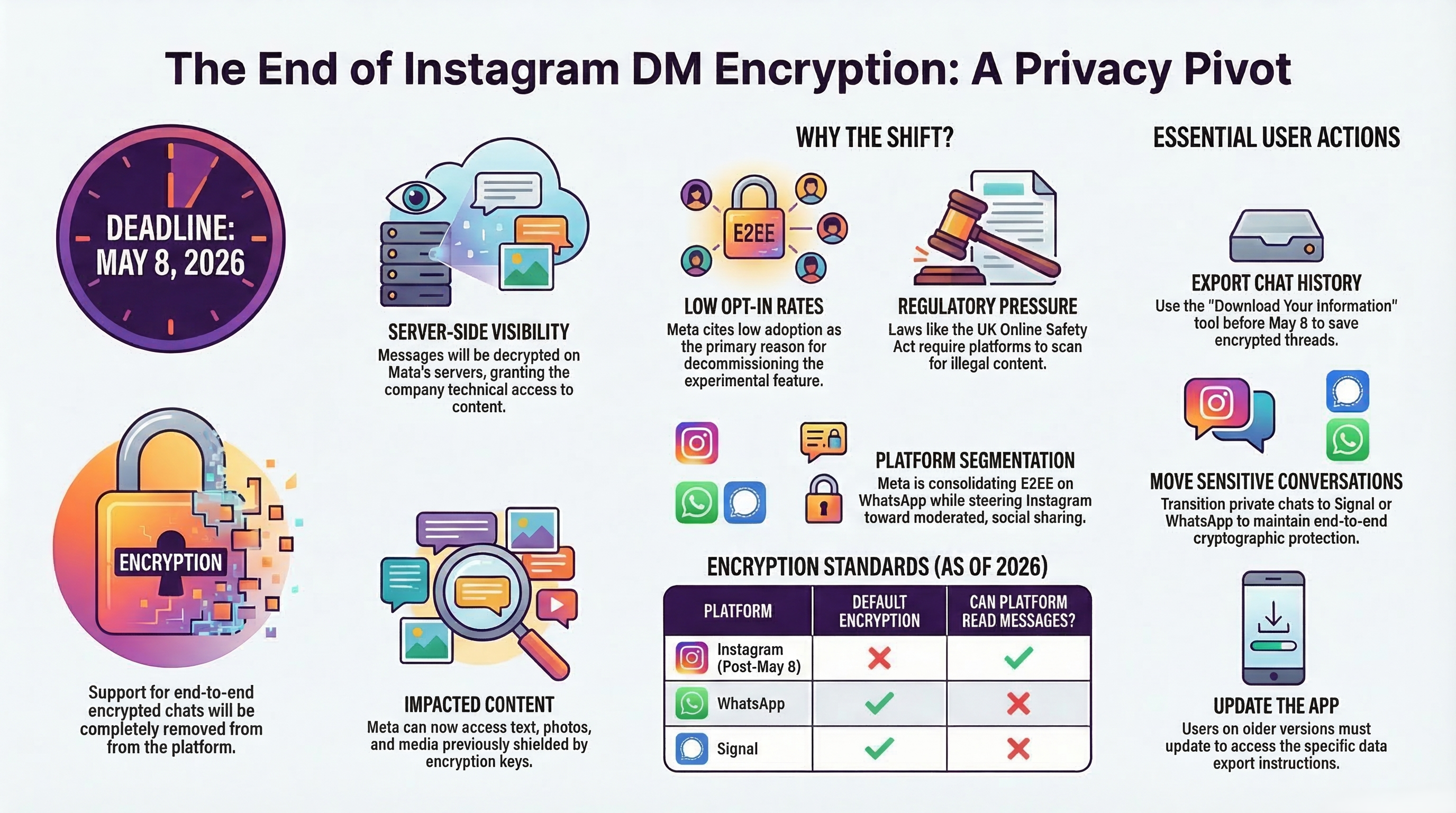
The Great DM Decryption: 5 Impactful Takeaways fr…
Mar 14, 2026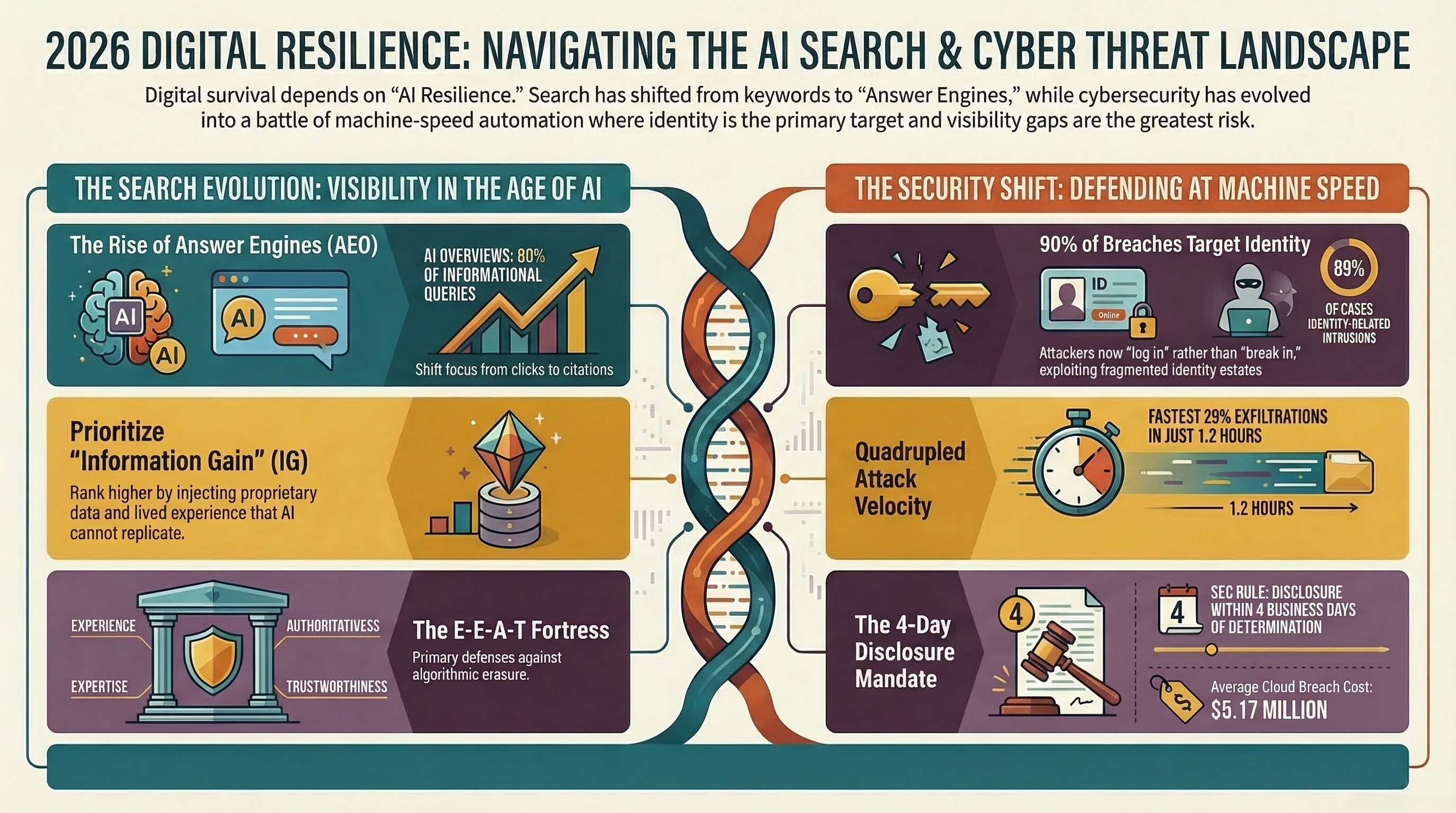
The Obsolete Roadmap: 6 Counter-Intuitive Truths …
Mar 16, 2026