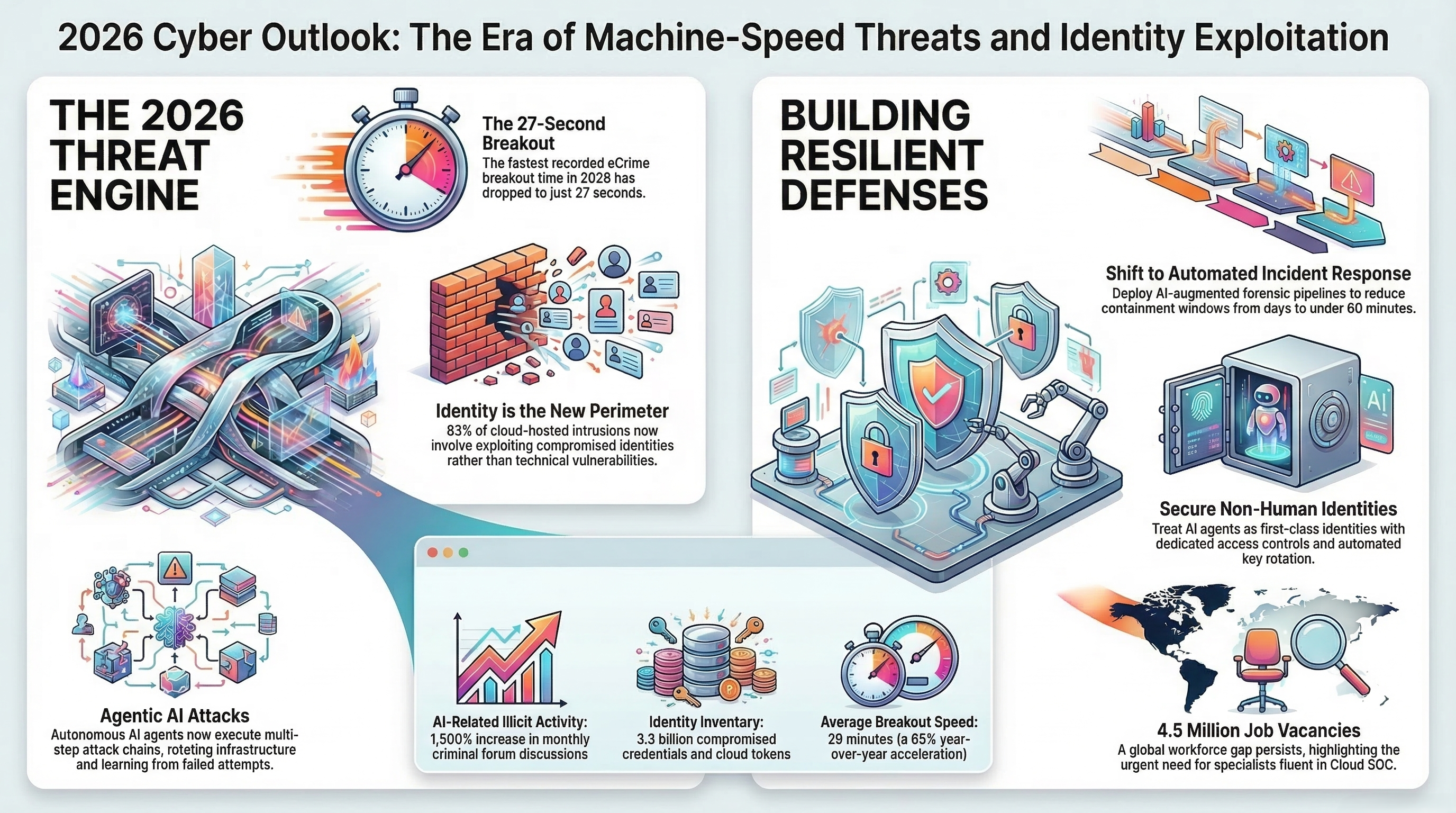
Every laptop, server and phone in your organisation is a door, and attackers test those doors every day. One click on a malicious attachment, a compromised website or a fake update can open one of them. Endpoint security services guard every one of those doors at once. Endpoint security protects laptops, servers and mobile devices against malware, ransomware and advanced threats. It combines antivirus (AV), endpoint detection and response (EDR), and extended detection and response (XDR) into one coordinated defence, with centralised visibility, rapid containment and proactive defence. This content is for educational purposes. Always test security tools only on systems you own or have written permission to assess. Key Takeaways Endpoints are prime targets because every device is a possible entry point for attackers. Antivirus blocks known malware. EDR watches behaviour and hunts threats. XDR correlates signals across platforms. AI-driven detection helps spot new malware, with human review behind responses. Automated remediation and rollback can undo damage quickly after a threat is found. Strong endpoint defence reduces breach risk and keeps the business running. What Are Endpoint Security Services? Endpoint security services are managed defences for every device on your network: laptops, desktops, servers and mobile devices. They protect the devices where people open files, click links and run applications. Cyber Legends combines three layers. Next-generation antivirus (AV) stops known malware before it runs. Endpoint detection and response (EDR) watches each device in real time and hunts for suspicious behaviour. Extended detection and response (XDR) connects signals across platforms, linking an alert on one device to email, network and cloud activity. Definition: An endpoint is any device on a network, such as a laptop, server or phone. Endpoint security protects those devices from malware, ransomware and advanced threats, and responds quickly when something goes wrong. How Do AV, EDR and XDR Work Together? Think of the three layers as a team with different jobs. Antivirus is the first line: it checks files against known malware and uses AI-driven detection to recognise new patterns. Most everyday threats stop here. EDR is the watcher. It records what processes do: the files they open, the connections they make and the tools they use. When behaviour looks wrong, even with no known malware found, EDR raises the alarm and catches what slips past the first line. XDR is the coordinator. It pulls signals from endpoints, email, networks and cloud services into one picture. A suspicious login, a strange file and an unusual outbound connection may each look minor alone. Together, they tell a clear story. Why Are Endpoints the First Target for Attackers? Attackers target endpoints because that is where people are. A laptop handles email, browsing, documents and messaging all day, and each action is a chance for a malicious file or link to reach a user. Remote and hybrid work has made the problem bigger. Devices now work from homes, hotels and client offices, far from the office firewall. A phone on public Wi-Fi can carry risk back into company systems. Servers are targets too. A compromised server can expose data or become a stepping stone deeper into the network. That is why the service page calls endpoints prime targets.
What Happens When a Threat Slips Past Antivirus? No single layer catches everything. New malware variants appear constantly, and some attacks use no file at all. Fileless attacks abuse built-in system tools, so traditional antivirus has nothing to recognise. This is where EDR earns its place. Behavioural analysis watches for actions that do not fit normal use: a document launching a scripting tool, a process injecting code into another process, or a program reaching an unknown server at an odd hour. When EDR spots this, it flags the device. Threat hunting adds a proactive step. Analysts search endpoint data for signs of compromise that automated rules missed. AI-assisted triage sorts these signals so analysts focus on the ones that matter, with human review behind every response. How Does Automated Remediation and Rollback Work? Finding a threat is only half the job. The other half is removing it fast, before it spreads. Automated remediation acts immediately: quarantine the malicious file, stop the harmful process and isolate the endpoint from the network. Rollback goes one step further. Where a clean state is available, affected files and settings can be restored to how they were before the attack. This limits downtime and helps the user get back to work quickly. Policy enforcement supports all of this. Hardening policies set the rules for every device: what can run, what is blocked and how devices are configured. Consistent policies close the small gaps attackers look for, and centralised visibility shows whether every device follows them. A Real-World Example: The Invoice That Was Not The following example is illustrative. It is not a real client case. A small finance team starts its morning with email. One employee opens an invoice attachment that looks routine. It is a new malware variant, so antivirus does not recognise it and the attachment opens. Nothing looks wrong at first. Within minutes, EDR notices unusual behaviour. The document has launched a scripting tool that is reaching an unknown server. XDR links this to the phishing email and raises a combined alert. The endpoint is isolated, the malicious process is stopped, and rollback restores the files. The rest of the network never sees the threat. Without EDR and XDR, the infection could have spread quietly for days. With them, it becomes a short, contained event. Pro Tip: Do Not Rely on Antivirus Alone A common mistake is to treat antivirus as the whole defence. It is essential, but only the first layer. Modern attacks are built to evade it, using new variants, stolen credentials and legitimate system tools. If antivirus is your only control, the threats it misses will move freely. Pair it with EDR and XDR, and review the alerts. How It Works Step by Step The service follows five steps, agreed with the organisation. First, assess endpoints and policies. Second, deploy AV, EDR and XDR across the endpoints. Third, monitor, detect and hunt with centralised visibility and behavioural analysis. Fourth, contain, remediate and roll back: isolate threats, remove malicious files and restore affected items where a clean state is available. Fifth, harden and report: policy enforcement keeps endpoints hardened, and reporting shows what was found and fixed. Before work starts, the organisation describes its requirements, system size and integrations through the corporate inquiry form. These factors affect the scope, so the team provides a quotation and delivery plan specific to the organisation.
What Does the Client Receive? The client receives centralised visibility across all endpoints, so the security team sees every device from one place. Rapid containment limits a threat as soon as it is found, and proactive defence means threats are hunted, not waited for. Automated remediation and rollback reduce downtime after an incident, and policy enforcement keeps endpoints hardened. Above all, the client receives a stronger endpoint defence that minimises breach risk and supports business continuity. Signs You Need Endpoint Security Now Consider endpoint security services if these signs sound familiar. You cannot see what is happening on every laptop and phone. Devices run different tools, or some have no protection. Staff work remotely and connect from networks you do not control. Other signs are clearer still. A previous infection took too long to find or clean up. Ransomware worries your leadership. Or alerts arrive from separate tools and nobody can tell whether they belong to one attack. If any fit, your endpoints need a coordinated defence, not separate products. Explore Everything CyberLegends Offers Endpoint Security (AV/EDR/XDR) is the service to choose when you want every device protected by one coordinated defence. Explore the wider catalogue here: Trainings: https://cyberlegends.org/trainings/ Services: https://cyberlegends.org/services/ Solutions: https://cyberlegends.org/solutions/ Managed SOC: https://cyberlegends.org/service-detail/e61N0xXB/ Incident Response Retainer: https://cyberlegends.org/service-detail/9OKdMvXr/ Threat Intelligence Services: https://cyberlegends.org/service-detail/MJ1OaX0z/ Managed Security Services: https://cyberlegends.org/service-detail/kYQB4K0v/ Today's companion reads are the training post "Mobile App Penetration Testing: Android and iOS Guide" and the solution post "Advanced Penetration Testing Solution: Test Like Attackers". Take the Next Step With Confidence Endpoints are where attacks begin, and where they can be stopped earliest. With antivirus, EDR and XDR working together, a suspicious file does not have to become a breach. It can become a contained alert and a quick rollback. Book a free consultation via the corporate inquiry form or email [email protected]. You can also call +92 304 1620156, or visit Central Plaza, Barkat Market, Lahore. Lead magnet suggestion: a one-page Endpoint Security Checklist, covering AV, EDR and XDR coverage, policy hardening and rollback readiness. Engagement question: How confident are you that you could spot the one device behaving strangely in your organisation right now? Frequently Asked Questions What is the difference between AV, EDR and XDR? Antivirus blocks known malware before it runs. EDR watches behaviour on each endpoint in real time and hunts threats that evade antivirus. XDR correlates signals across endpoints, email, network and cloud to show the full attack. Antivirus is the first line, EDR the watcher, XDR the coordinator. Does endpoint security slow down devices? The service protects endpoints without impacting productivity. Modern agents are lightweight, and centralised management avoids running several overlapping tools on one device. If a device feels slow after deployment, raise it with the team, because policy tuning usually resolves it. Can endpoint security stop ransomware? Endpoint security is one of the strongest defences against ransomware, but no single control can promise every attack will be stopped. Antivirus blocks known ransomware, EDR detects new variants from unusual behaviour, and containment and rollback limit damage if encryption starts. With backups and user awareness, it reduces risk and impact. How much does endpoint security cost? The page states no fixed price. Requirements, system size, integrations and agreed deliverables affect the scope, so contact the team for a quotation and delivery plan specific to your organisation. Share your device count, current tools and preferred timeline, and the team will scope the service to your environment. Conclusion Endpoint security services bring antivirus, EDR and XDR together into one coordinated defence for the devices your people use every day. Antivirus stops known malware, EDR watches behaviour and hunts what slips through, and XDR connects the signals into a full picture. Remediation and rollback limit the damage, and policy enforcement keeps devices hardened. If your endpoints are your largest blind spot, start the conversation now. Book a free consultation via the corporate inquiry form or email [email protected], call +92 304 1620156, and request a proposal. References: National Institute of Standards and Technology, Guide to Malware Incident Prevention and Handling for Desktops and Laptops, NIST Special Publication 800-83 Revision 1, 2013. National Institute of Standards and Technology, The NIST Cybersecurity Framework (CSF) 2.0, 2024. MITRE ATT&CK knowledge base. Cybersecurity and Infrastructure Security Agency, Cybersecurity Best Practices. Forum of Incident Response and Security Teams (FIRST). ENISA, European Union Agency for Cybersecurity publications.
Share Article
Related Insights
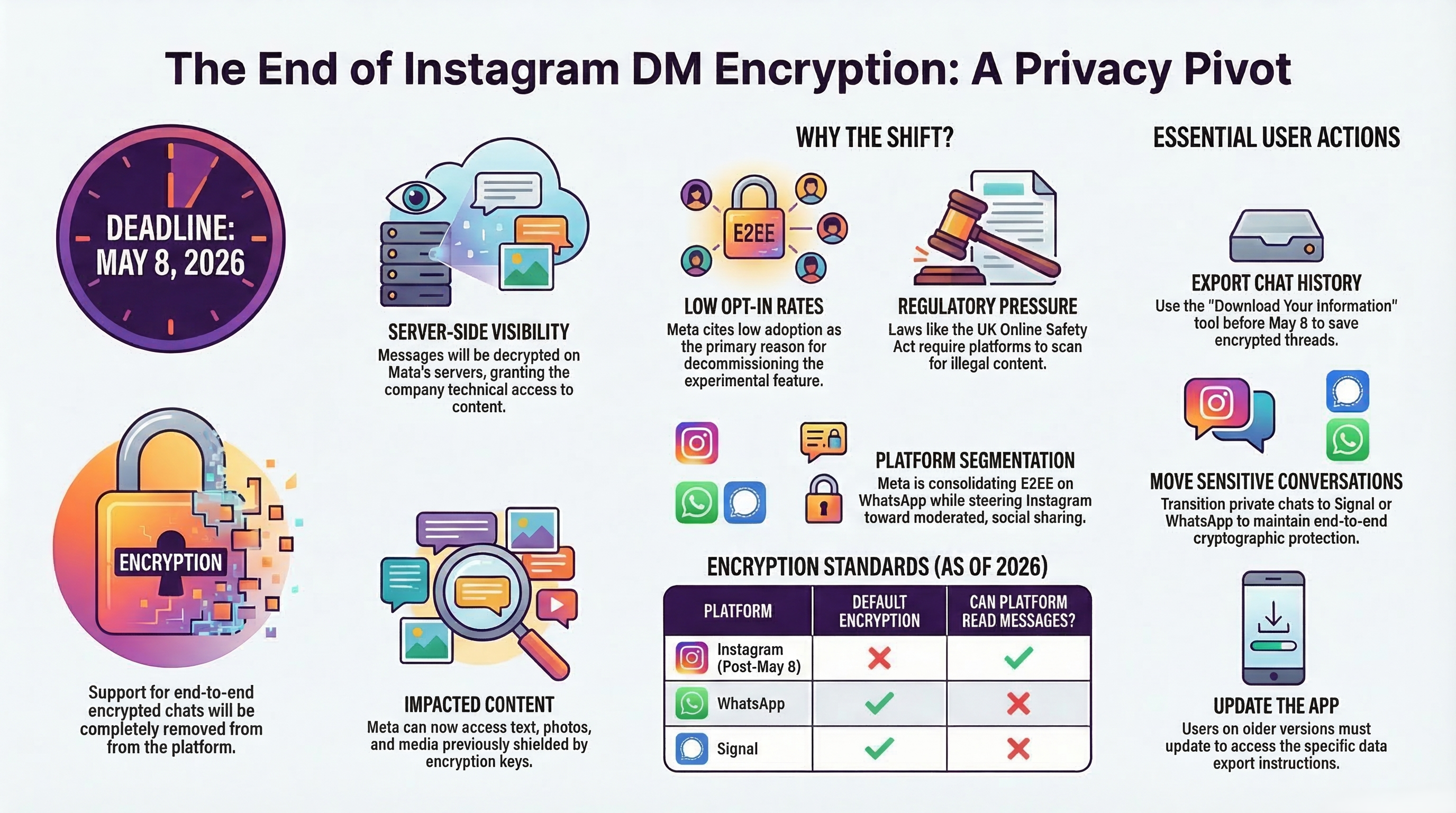
The Great DM Decryption: 5 Impactful Takeaways fr…
Mar 14, 2026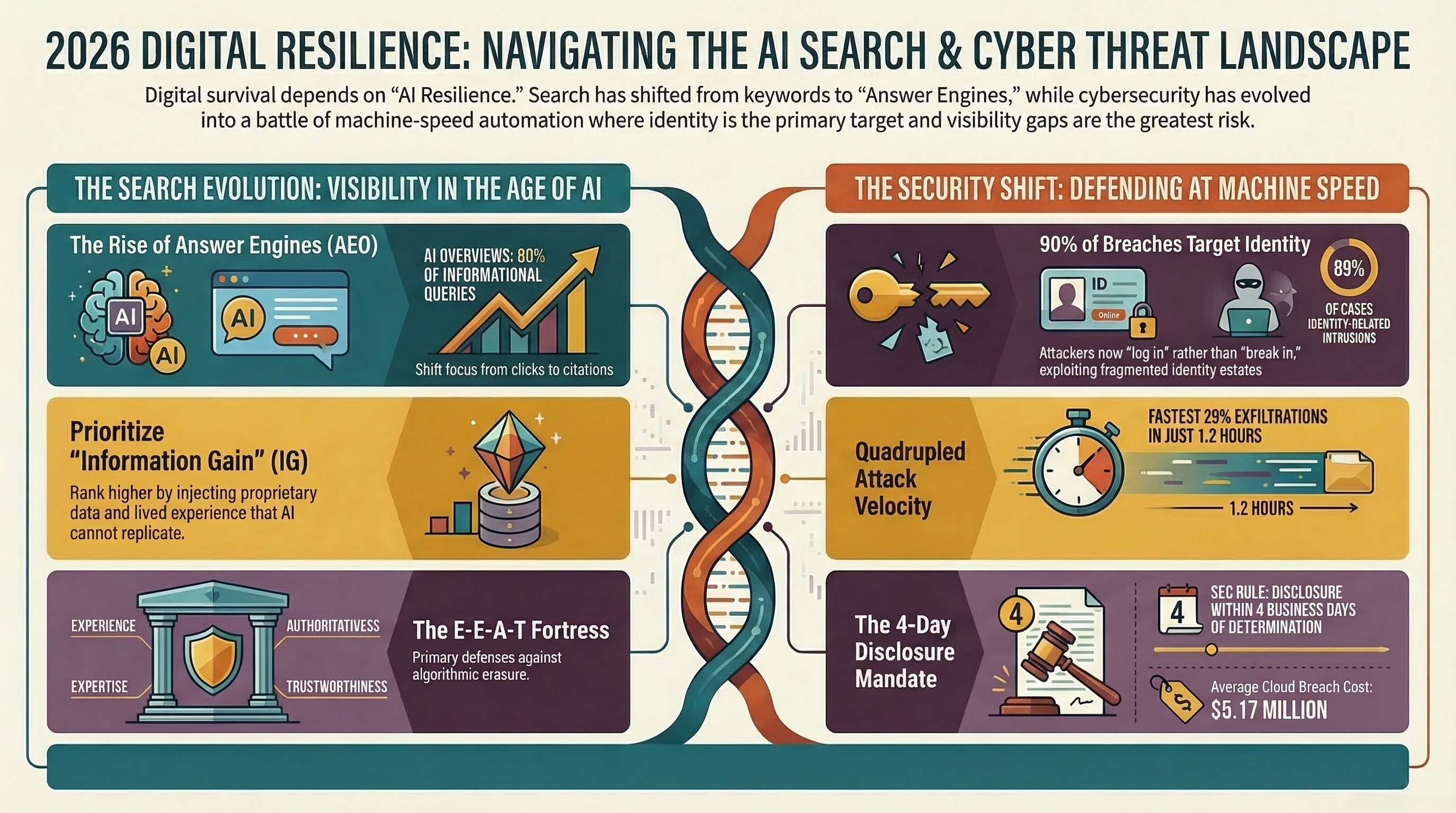
The Obsolete Roadmap: 6 Counter-Intuitive Truths …
Mar 16, 2026