Key Takeaways: Mobile app development services take your idea from design to a published app on the App Store and Play Store, with backend, payments, notifications, testing, and maintenance included. You can choose native iOS and Android apps, or a cross-platform app built from a single codebase with Flutter when that fits. Security is built in from the first line of code, following OWASP mobile best practices, with safe storage, secure communication, and proper authentication. The service works in transparent sprints with a demo at each milestone, and every build is tested across real devices before release. Cost and delivery time depend on your requirements, system size, integrations, and agreed deliverables, with a quotation on contact. Your customers live on their phones. They order food, book rides, pay bills, and message your business from a small screen, and when your business has no app, you are one tap away from being forgotten. Mobile app development services in Lahore turn that idea into a working app your customers can download, open, and use every day. This guide explains what a mobile app development service covers, how to choose between native and cross-platform builds, how security is built in from the first line of code, and how Cyber Legends takes your app from first sketch to both stores. What are mobile app development services, and what do they include? Mobile app development services cover the full journey from idea to a published app: design, coding, backend and APIs, payments and notifications, testing on real devices, store submission, and ongoing maintenance. A good service builds native iOS and Android apps, or a cross-platform app from a single codebase. The work starts with UI and UX design: wireframes, prototypes, and polished interfaces tested with real users. Then comes the backend and APIs: secure server infrastructure, databases, and third-party integrations that let the app store data and talk to your existing systems. Payment and notification systems follow: in-app purchases, push notifications, and SMS integration. Finally, the app is tested across real devices, submitted to the stores, and maintained with ongoing support. Definition Box: What is a cross-platform app? A cross-platform app is built once, from a single codebase, and runs on both iOS and Android. Cyber Legends uses Flutter for this approach when appropriate, so one team ships to both stores and maintains one codebase. Native or cross-platform: which approach fits your app? Native apps are built separately for iOS and Android and suit apps needing deep device features or the highest performance. Cross-platform apps, built with Flutter from a single codebase when appropriate, suit most business apps because one team ships to both stores faster and keeps one codebase. Comparison: native versus cross-platform Native apps use separate code for iOS and Android, give the deepest access to device features, and suit performance-critical apps, but they cost more to build and maintain because two codebases must be kept in step. Cross-platform apps use one codebase, reach both stores faster, and cost less to maintain, but may need native code for unusual device features. Ask before you choose: does the app need an unusual camera, GPS, or sensor feature? Does it need the fastest performance for games or video? How soon must it reach both stores? A good team explains the trade-off in plain language.
How does secure mobile app development protect your users? Secure mobile app development protects your users by building security in from the first line of code, following OWASP mobile best practices: safe storage of data on the device, secure communication with the backend, proper authentication, and protection against tampering and reverse engineering. The OWASP Mobile Top 10 and the OWASP Mobile Application Security Verification Standard (MASVS) list the risks that matter most: insecure storage, weak authentication, insecure communication, and code that can be tampered with or copied. A secure build addresses each one as the app is written, with encrypted storage, secure connections, tested login flows, and checks against tampering, then the app is tested across real devices before release. If you want to understand how attackers test mobile apps, the Cyber Legends Mobile Application Penetration Testing training at https://cyberlegends.org/training/9OKdnaQr/ teaches the attacker view, and the Mobile Application Security service at https://cyberlegends.org/service-detail/lbXDz1AO/ tests an existing app for the same risks. How does the Cyber Legends mobile app development service work? The service works in transparent sprints with a demo at each milestone, so you see real progress instead of waiting months for a reveal. The work moves from discovery and design, through development and testing on real devices, to store submission and release. Step list: from idea to published app 1. Discovery and quotation: you share your idea, features, and integrations, and receive a quotation based on your requirements, system size, and agreed deliverables. 2. UI and UX design: wireframes and prototypes are drawn and tested with real users. 3. Development in sprints: the app is built in transparent sprints, with a demo at each milestone. 4. Testing on real devices: the app is tested across real devices, covering screens, operating systems, and everyday use. 5. Store submission: the team handles submission, review handling, and release management for both stores. 6. Launch and maintenance: ongoing support, OS compatibility updates, and feature iterations after launch. Because each sprint ends with a demo, you can ask for changes while they are still cheap to make, so there are no surprises at the end. What do you receive, and how do you know it is time to build an app? You receive a tested app on the App Store and Play Store, its backend and APIs, design files, documentation, and ongoing support, so your team can run and grow the app after launch. It is time to build when customers keep asking for an app, or when bookings, orders, or support still run through phone calls and chat messages. What you receive, in plain terms: A finished app, published on the App Store and Play Store and tested across real devices. Backend and APIs: secure server infrastructure, databases, and third-party integrations that power the app. Payment and notification systems: in-app purchases, push notifications, and SMS integration. Design files and documentation for what was built and why. Ongoing maintenance and updates: OS compatibility updates, feature iterations, and support after launch. Signs you need an app now: customers ask where your app is, or compare you with a competitor who has one. Your mobile website traffic is high but bookings are low, because a browser flow is too slow on a phone. Your team answers the same questions by phone or chat all day. Illustrative Example, clearly illustrative, not a real client case: Imagine a Lahore restaurant that takes most orders by phone. The owner asks for an app where customers browse the menu, order, pay, and get a push notification when the food is ready. The team builds it in sprints, tests it across real devices, and publishes it on both stores. No real client is involved here. Common Mistake: Treating security as a final step. Teams that add security at the end often find login, storage, and payment flows that must be rebuilt. Build it in from the first line of code and keep it in every sprint.
What happens after launch: store reviews, updates, and maintenance? After launch, the service handles store review responses, release management, OS compatibility updates, and feature iterations, so your app keeps working as new phones and operating systems change. Each update is tested across real devices before it reaches your users. Phones change every year, and store rules change too. An app that worked at launch can break when a new operating system version arrives, or get rejected when a store policy changes. Maintenance covers that gap: compatibility updates, fixes, and new features as customers ask for them. EXPLORE EVERYTHING CYBERLEGENDS OFFERS Cyber Legends offers 25 trainings, 32 services, and 16 solutions from Lahore, Pakistan: explore trainings at https://cyberlegends.org/trainings/, services at https://cyberlegends.org/services/, and solutions at https://cyberlegends.org/solutions/. Spotlight on this service: the Mobile App Development Service at https://cyberlegends.org/service-detail/kDXRaKP2/ builds native and cross-platform apps for iOS and Android, with UI and UX design, secure backends and APIs, payments, notifications, store deployment, and ongoing maintenance. Security is built in from the first line of code, following OWASP mobile best practices. Related: test an existing app with the Mobile Application Security service at https://cyberlegends.org/service-detail/lbXDz1AO/, learn the attacker view in the Mobile Application Penetration Testing training at https://cyberlegends.org/training/9OKdnaQr/, and build AI skills with the Deep Learning with TensorFlow and Keras training at https://cyberlegends.org/training/MJ1OWa10/. Also in today's set: the Deep Learning with TensorFlow and Keras training at https://cyberlegends.org/training/MJ1OWa10/ and the Cyber Threat Intelligence Platform solution at https://cyberlegends.org/solution/Mn10q8KE/. Request a quotation via https://cyberlegends.org/application/ or contact [email protected] or +92 304 1620156. Why start now, and how can you keep learning? You do not need a finished specification to start. Write down the three things your customers should be able to do in the app, then ask for a quotation. A short conversation about features, system size, and integrations is enough for a clear price and timeline, and the sprint demos keep you in control as the app takes shape. Suggested lead magnet: a one-page App Idea to App Store Checklist, available on enquiry. Engagement question: what is the one thing your customers should be able to do in your app in under ten seconds? Primary CTA: request a quotation via https://cyberlegends.org/application/. Secondary CTA: explore the Mobile Application Security service at https://cyberlegends.org/service-detail/lbXDz1AO/. Frequently Asked Questions How much does a mobile app cost, and how long does it take to build? Cost and delivery time depend on your requirements, system size, integrations, and agreed deliverables, so there is no fixed price to quote here. Share your features for a quotation on contact. The work runs in transparent sprints with a demo at each milestone. Will my app work on both iPhone and Android? Yes. Cyber Legends builds native iOS and Android apps, and cross-platform apps from a single codebase with Flutter when that fits. Most business apps work well cross-platform, reaching both stores faster. The team advises on the right approach before any code is written. How is security handled in my app? Security is built in from the first line of code, following OWASP mobile best practices, with safe data storage, secure communication, proper authentication, and protection against tampering, and the app is tested across real devices before release. The Mobile Application Security service can also test an existing app. What happens after my app is published on the stores? After launch you get ongoing maintenance and updates: OS compatibility updates, feature iterations, and support when the stores change their rules or a new phone version ships. The team handles store review responses and release management, and each update is tested across real devices first. Conclusion A good app is not just code on a phone. It is a faster way for your customers to reach you, order from you, and come back, built with care, tested on real devices, and secured from the first line of code. If your customers keep asking for an app, or your team keeps answering the same questions by phone, start now. Request a quotation via the application page, or contact [email protected] to talk through your idea. Contact: Cyber Legends, Central Plaza, Barkat Market, Lahore, Pakistan. Email [email protected]. Phone +92 304 1620156. Request a quotation via https://cyberlegends.org/application/. Service page: https://cyberlegends.org/service-detail/kDXRaKP2/. References: 1. National Institute of Standards and Technology (NIST), The NIST Cybersecurity Framework (CSF). https://www.nist.gov/cyberframework 2. Cybersecurity and Infrastructure Security Agency (CISA), cybersecurity resources. https://www.cisa.gov/ 3. OWASP, OWASP Mobile Top 10. https://owasp.org/www-project-mobile-top-10/ 4. OWASP, Mobile Application Security Verification Standard (MASVS). https://mas.owasp.org/MASVS/ 5. MITRE ATT&CK, Enterprise Matrix and techniques reference. https://attack.mitre.org/ 6. European Union Agency for Cybersecurity (ENISA), threat landscape and cybersecurity resources. https://www.enisa.europa.eu/ Disclaimer: This content is for educational purposes. Always test security tools only on systems you own or have written permission to assess.
Share Article
Related Insights
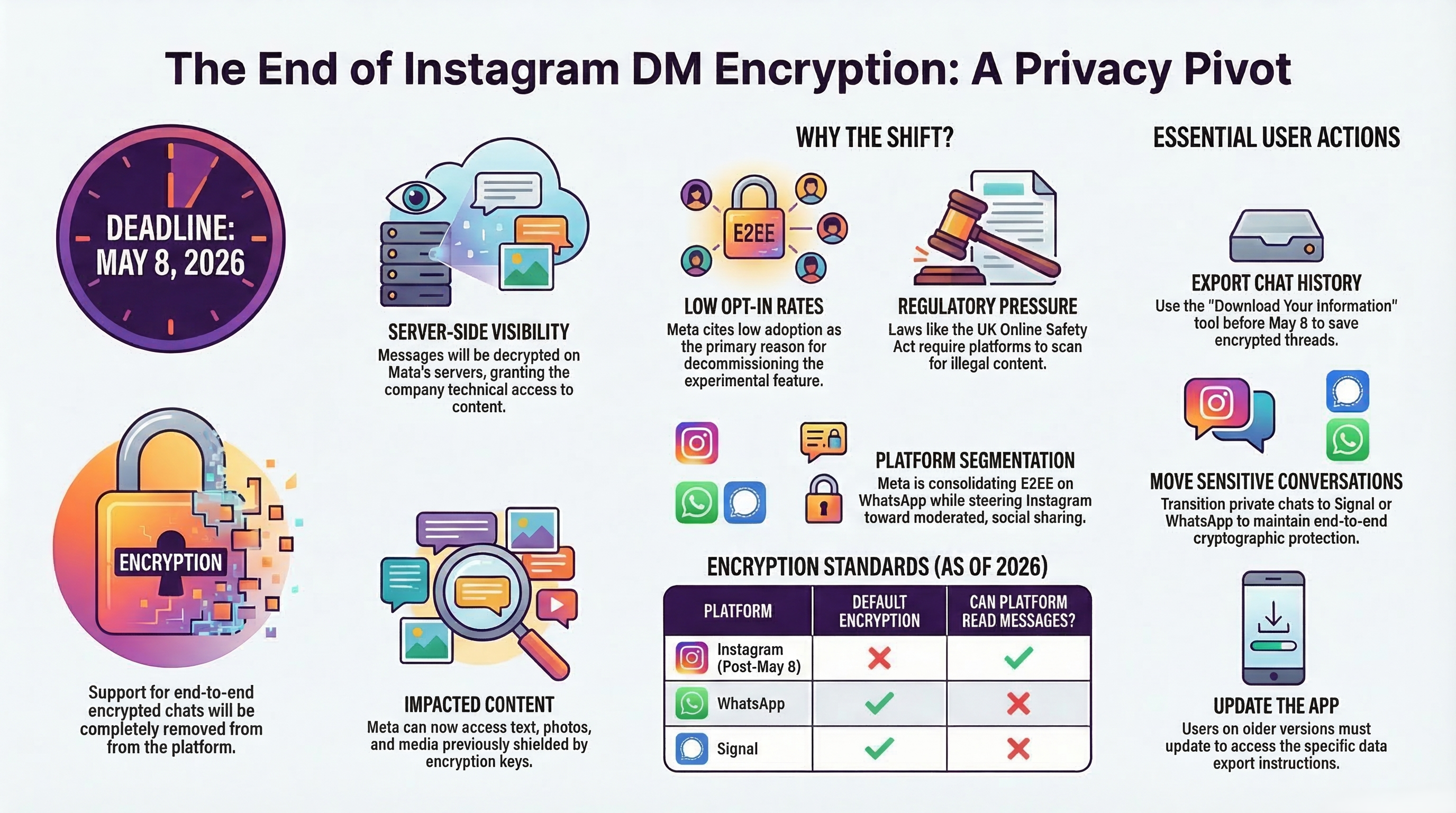
The Great DM Decryption: 5 Impactful Takeaways fr…
Mar 14, 2026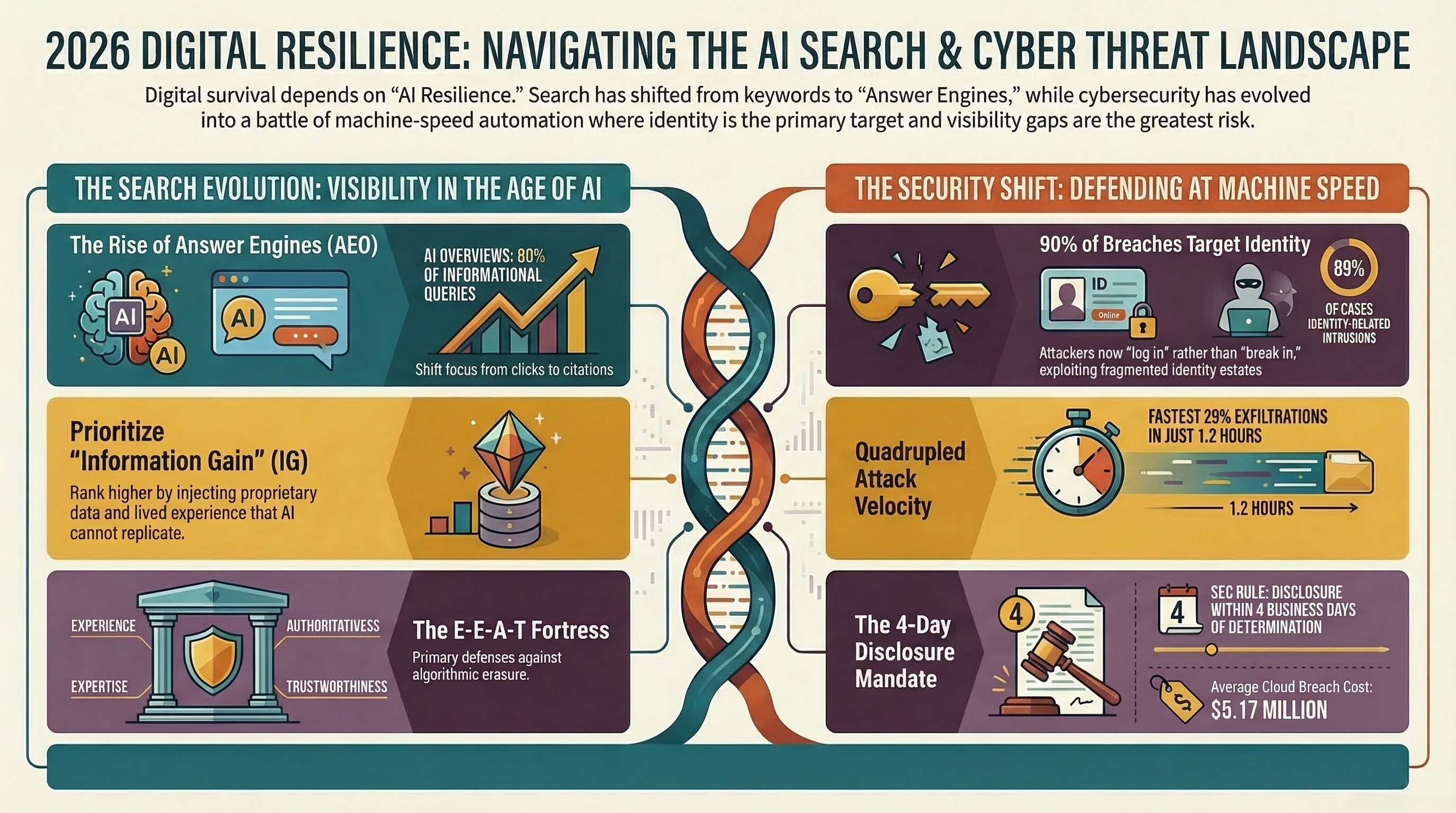
The Obsolete Roadmap: 6 Counter-Intuitive Truths …
Mar 16, 2026